
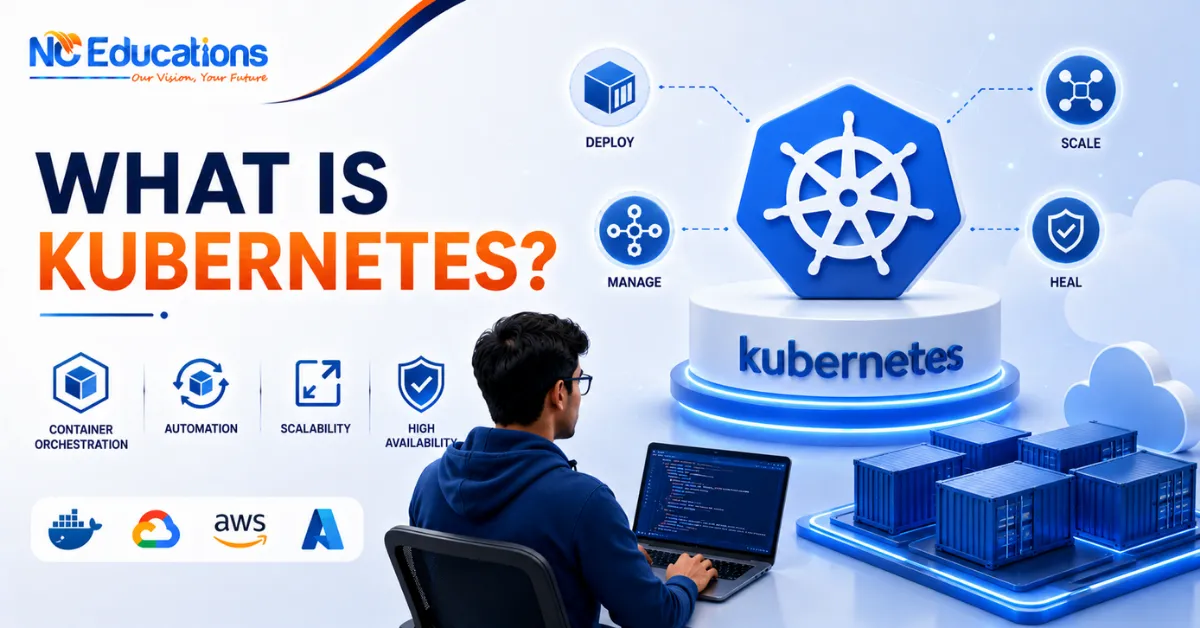
What is Kubernetes?: By now you’ve probably heard of Docker and containers, but there’s another word that keeps showing up right alongside them which is Kubernetes. If Docker helps you package an app into a container, Kubernetes is the tool that helps you manage hundreds or thousands of those containers without losing your mind.
For students just starting out, Kubernetes can feel intimidating – long name, complex-looking dashboards, and terms like “pods,” “clusters,” and “nodes” thrown around casually. But once you understand the basic idea behind it, it’s actually a pretty logical system built to solve a very real problem: how do you run large applications reliably when you have hundreds of containers running across multiple servers?
In this article, we’ll explain what Kubernetes really is, how it works in simple terms, what a typical Kubernetes course covers, who it’s suited for, common mistakes learners make, and what you can learn next once you’re done. By the end, you’ll understand exactly why Kubernetes has become such a critical skill for DevOps and cloud roles in India and globally.
What is Kubernetes?
Kubernetes, often shortened to K8s, is an open-source platform used to automate the deployment, scaling, and management of containerised applications. In simple words, if Docker creates containers, Kubernetes makes sure those containers keep running smoothly, restart themselves if they crash, and scale up or down automatically based on traffic.
Originally developed at Google and now maintained by the Cloud Native Computing Foundation, Kubernetes has become the industry standard for managing containers at scale. Instead of manually starting, stopping, and monitoring hundreds of containers across different servers, Kubernetes does this job for you, following instructions you define in configuration files.
A common question people ask is what Kubernetes is used for – it’s mainly used to run and manage large, distributed applications reliably, especially in cloud environments like AWS, Azure, and Google Cloud, where traffic and workloads keep changing. Kubernetes takes care of things like restarting failed containers, distributing traffic evenly, and adding more resources automatically when demand increases, which is exactly what makes it such a core part of modern DevOps and container in Kubernetes based workflows.
Example of Kubernetes
Imagine an online food delivery app during dinnertime rush hour. Traffic suddenly spikes as thousands of people place orders at once. Without proper management, servers could crash under the load.
With Kubernetes, the system automatically detects the increased traffic and spins up additional containers to handle the load, then scales back down once the rush is over. If one container crashes due to an error, Kubernetes automatically replaces it with a new one, often before users even notice anything went wrong. This is Kubernetes working exactly as it’s meant to – keeping applications available and responsive under changing conditions.
How Kubernetes Works?
Kubernetes organises everything around a cluster, which is a group of machines (called nodes) working together. Each cluster has a control plane that makes decisions about the cluster, and worker nodes that actually run your applications inside units called pods – the smallest deployable units in Kubernetes, which typically wrap around one or more containers.
You describe what you want using configuration files – for example, “run 5 copies of this application” – and Kubernetes constantly works to match that desired state. If a pod crashes, Kubernetes notices and creates a replacement automatically. If traffic increases, it can scale the number of pods up, and scale back down when things calm down.
This self-healing, self-scaling nature is what makes Kubernetes so powerful for running large applications, since developers don’t need to manually babysit every container – Kubernetes handles the monitoring and correction on its own.
Kubernetes Course Syllabus Overview
A solid Kubernetes course usually takes you from container basics to managing production-grade clusters. A typical syllabus includes:
- Recap of Docker and containerization basics
- Kubernetes architecture – nodes, pods, clusters, and the control plane
- Setting up a local Kubernetes environment (Minikube or Kind)
- Working with YAML configuration files for deployments
- Services, networking, and load balancing within Kubernetes
- Scaling applications and handling self-healing
- Persistent storage and managing stateful applications
- Using Kubernetes with cloud providers like AWS, Azure, and GCP
- Helm charts for managing complex deployments
- Monitoring and troubleshooting live clusters
- Hands-on projects deploying real applications on Kubernetes
A good course builds your understanding step by step, since Kubernetes concepts tend to connect closely with one another.
Who Kubernetes Course Is For?
If you are planning to learn Kubernetes then before enrolling into any course you must read below lines to know if it is really for you?.
Good fit if you:
- If you are already have a working understanding of Docker and containers.
- You are a DevOps engineer, backend developer, or system admin looking to manage applications at scale.
- You are comfortable with basic cloud computing and Linux concepts.
- You enjoy solving system-level problems rather than just writing application code.
Might struggle if you:
- You don’t have learned Docker or containerization basics yet.
- You don’t have any exposure to cloud platforms or command-line tools.
- You are expecting to master it quickly without consistent hands-on practice.
- You get overwhelmed by multiple moving parts working together at once.
If you’re missing the Docker foundation, it’s worth spending a couple of weeks there first – Kubernetes builds directly on those concepts.
Common Mistakes While Learning Kubernetes Course
- Skipping Docker fundamentals. Since Kubernetes manages containers, jumping in without solid container knowledge makes almost everything harder to follow.
- Getting overwhelmed by terminology early on. Pods, nodes, clusters, deployments, services – there’s a lot of new vocabulary, and trying to memorise it all before practising hands-on usually backfires.
- Only using managed dashboards. Relying purely on cloud provider dashboards without understanding the underlying YAML configurations means you can’t troubleshoot when things go wrong in interviews or real jobs.
- Not practising on a real (even if small) cluster. Watching tutorials without setting up your own local cluster and deploying actual applications leaves gaps that show up quickly in practical interviews.
- Ignoring networking concepts. Kubernetes networking trips up a lot of learners because it feels abstract, but it’s central to how applications actually communicate within a cluster.
What After a Kubernetes Course?
Once you’re confident with Kubernetes, there are several directions you can take your learning further:
- Certified Kubernetes Administrator (CKA) or Certified Kubernetes Application Developer (CKAD) certifications to validate your skills formally
- Helm and advanced Kubernetes tooling for managing complex, multi-service deployments
- Site Reliability Engineering (SRE) courses, which build on Kubernetes for maintaining highly available systems
- Cloud-specific Kubernetes courses, such as Kubernetes in AWS (EKS) or Azure (AKS)
- Service mesh and advanced networking courses, like Istio, for managing microservices communication
These next steps help you move from “knows Kubernetes basics” to being genuinely job-ready for senior DevOps and cloud infrastructure roles.
Why Pursue a Kubernetes Course from NC Educations?
Kubernetes skills are increasingly listed as a requirement alongside Docker in DevOps and cloud engineering job postings across Indian IT companies, and this demand keeps climbing as more organisations shift their applications to cloud-native, container-based infrastructure.
NC Educations‘ Kubernetes & Docker course is designed around this real hiring landscape – hands-on labs where you actually deploy and manage applications on a cluster rather than just watching demos, a curriculum that connects Kubernetes directly to real DevOps workflows, and support with portfolio projects and interview preparation. Whether you’re coming in with Docker experience or upskilling from a DevOps background, it’s built to take you from core concepts to practical, job-ready skills.
FAQs Related to What is Kubernetes
Can I learn Kubernetes in 2 days?
Ans. No, in 2 days, fou can just understand the overview of the basic concepts like pods, nodes, and clusters. But getting enough learning to deploy and troubleshoot real applications takes a few weeks of consistent practice.
Is Kubernetes DevOps or backend?
Ans. Kubernetes is primarily a DevOps and infrastructure tool, though backend developers also use it to deploy and manage their applications, so it sits at the intersection of both roles.
What is Kubernetes vs OpenShift?
Ans. Kubernetes is the open-source core platform for container orchestration, while OpenShift is a Red Hat product built on top of Kubernetes with added enterprise features, tooling, and support.
What is Kubernetes in AWS?
Ans. It is a container orchestration platform uses is multiple cloud platforms like AWS, AZURE, etc. AWS offers its own managed Kubernetes service (EKS) to run Kubernetes clusters on its cloud infrastructure.
Related Posts